Settings
Settings is organized into four categories.
Account
Your profile and security:
- Profile: username, email, name, company, and role.
- Security: two-factor authentication status and method, and a Change Password option.
- Data: Export My Data to download your data, App Cache with a Clear Cache button to free disk space, and Send Diagnostic Logs for troubleshooting.
- Sign out and Delete account.
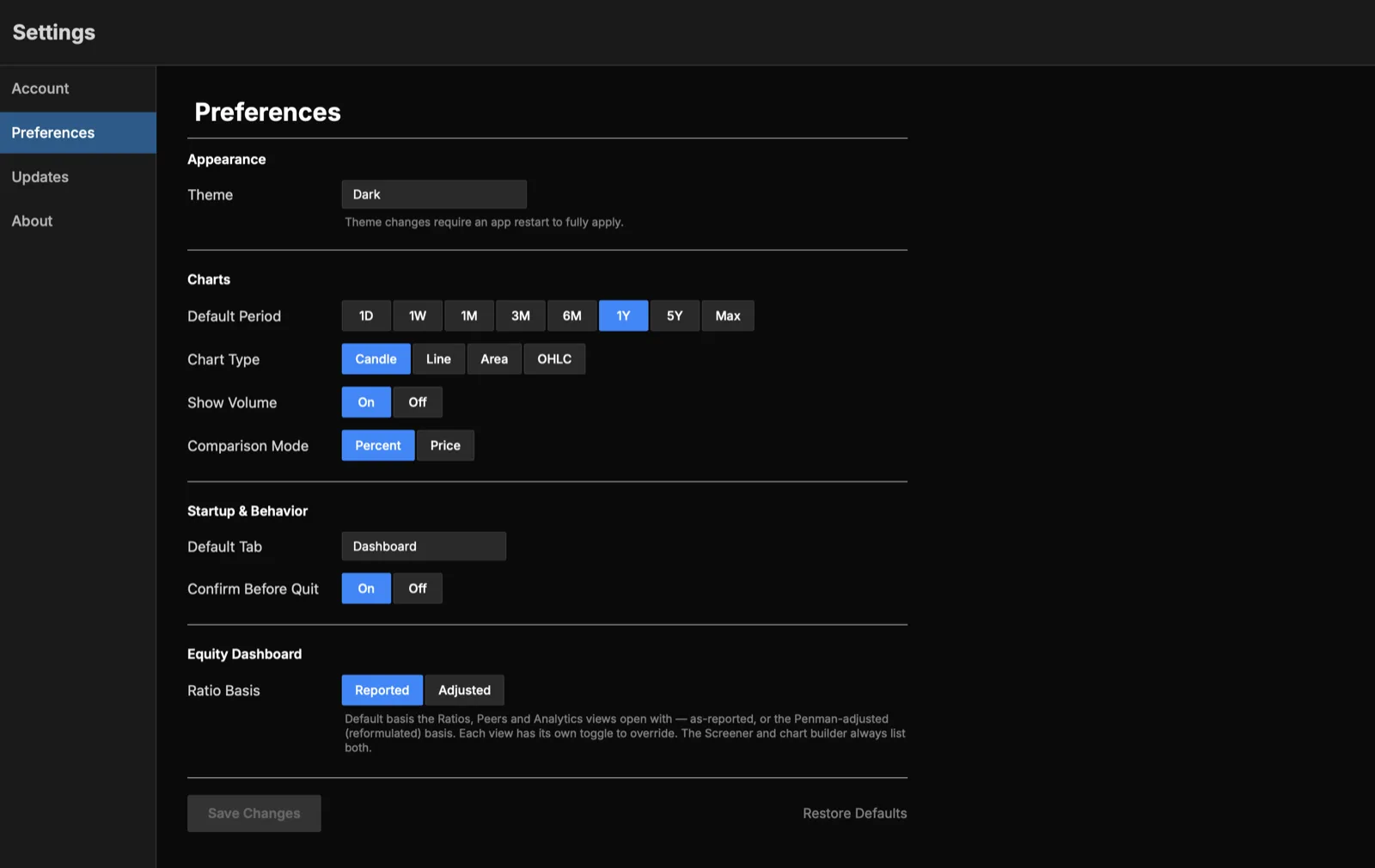
Preferences
How the app looks and behaves:
- Appearance: theme.
- Charts: default period, default chart type, whether to show volume, and comparison mode (percent or price).
- Startup & behavior: which tab opens on launch, and whether to confirm before quitting.
- Equity Dashboard: default ratio basis (Reported or Adjusted).
- Save changes or Restore defaults.
Updates
Manage app updates and see version information:
- Current version, latest available version, and when it was last checked.
- Check for Updates and Install Update.
- Preferences for checking on launch and choosing the Stable or Beta channel.
- Release notes for recent versions.
See Installation & Sign-in for how updates are delivered.
About
Product information: the AtlasEQ wordmark, links to the website and social accounts, links to the Privacy Policy and Terms of Service, and the legal disclaimer.