Messages
Messages is AtlasEQ's in-app messaging system for conversations with other users and with the AtlasEQ team. You must be signed in to use it.
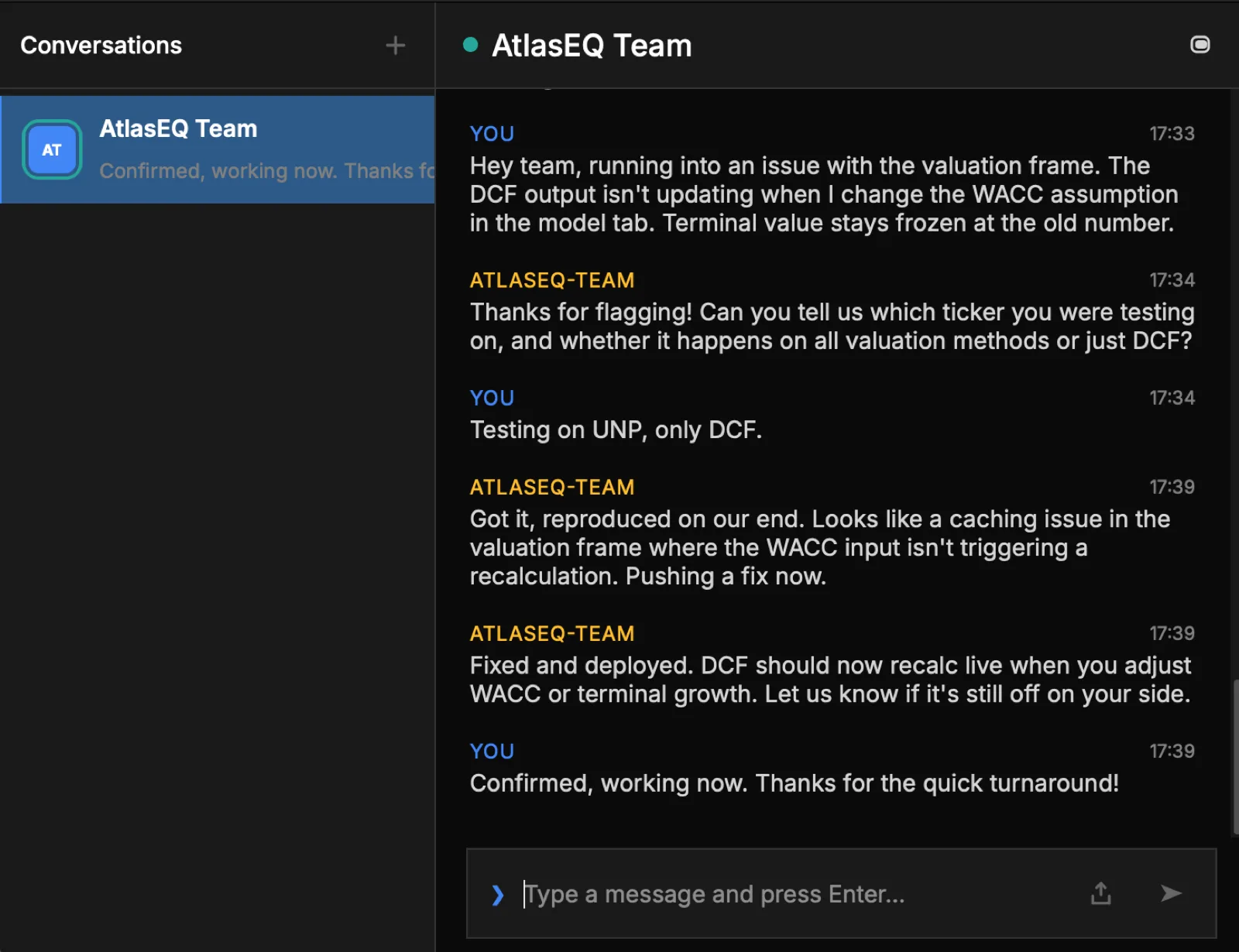
Conversations
- Browse your conversations in a sidebar, with previews, unread counts, and online/offline presence.
- An AtlasEQ Support conversation is always available for getting help.
- Open any conversation to read the full thread, with timestamps and day separators.
Sending messages
- Type in the message box and press Enter to send. Use Shift+Enter or Cmd+Enter for a new line.
- Messages appear immediately and then confirm as they sync.
- Messages that fail to send can be retried.
Managing messages and people
- Right-click a message for options such as reporting it (with a reason) or retrying a failed send.
- Block a user to stop them messaging you, or unblock them later.
- Report a user when needed.
Window
You can detach Messages into its own floating window, with an always-on-top option, and reattach it to the main app when you're done.
Note
Unread badges appear on conversations and in the app's navigation, and new messages arrive in real time.